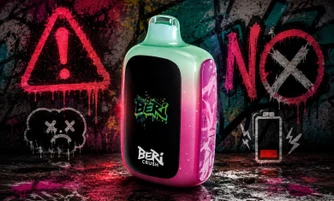
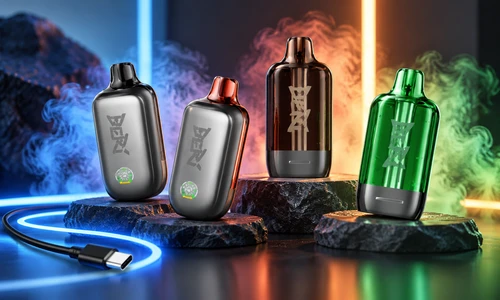
If you are using a Beri Cliq Vape and want to know how to recharge it, understanding the correct charging process can help you keep your device ready when needed. To recharge a Beri Cliq Vape, connect a USB-C charging cable to the charging port, plug it into a compatible power source, and wait until the battery indicator shows a full charge.
Beri Cliq Vape devices are designed with rechargeable batteries, allowing you to recharge the device when the battery level runs low. If you are looking for how to recharge Beri Cliq Vape, this guide explains the correct charging process, how to identify common charging issues, and simple tips to help maintain your device for reliable performance.
Is Beri Cliq Vape Rechargeable?
Yes, Beri Cliq Vape devices include a rechargeable battery system with a USB-C charging connection. Instead of replacing the device when the battery runs low, you can recharge the battery and continue using the device based on the remaining e-liquid and pod capacity.
Before charging your Beri Cliq Vape, check the battery indicator to understand whether your device needs power. This helps you avoid unnecessary charging and keeps track of the remaining battery level.
How to Recharge Beri Cliq Vape Step by Step
Charging a Beri Cliq Vape is a simple process when you follow the correct steps.
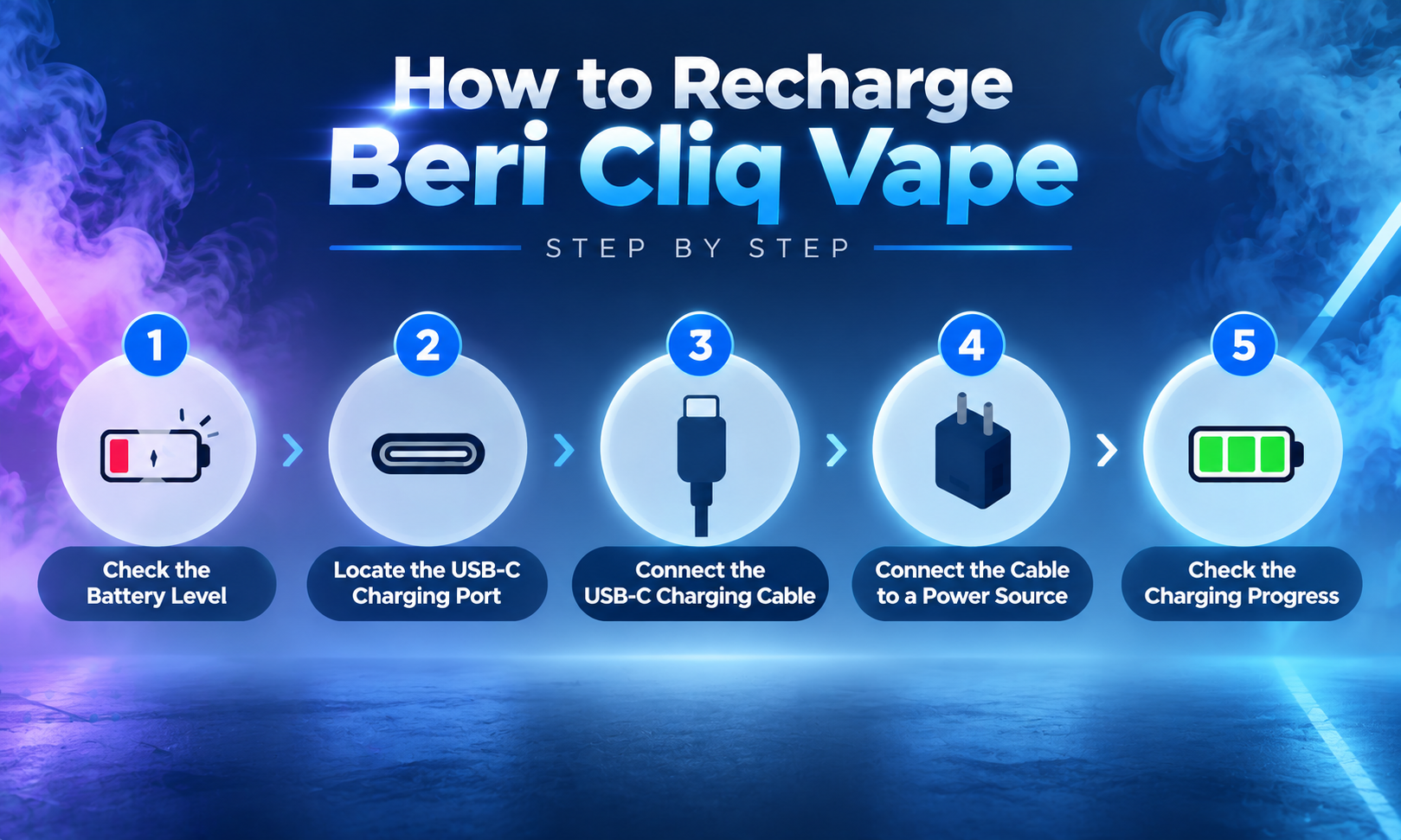
- Check the Battery Level
Before connecting your charger, check the battery indicator on your Beri Cliq Vape.
Signs that your device may need charging include:
- Low battery percentage
- The device not activating properly
- The display not turning on
- Reduced device response
Checking the battery level first helps you determine whether charging is needed.
- Locate the USB-C Charging Port
Find the USB-C charging port on your Beri Cliq Vape. The charging port is typically located at the bottom of the device.
Before connecting your cable:
- Check that the port is clean
- Remove any dust or debris
- Make sure the charging area is not damaged
A clean charging port helps create a secure connection between the device and cable.
- Connect the USB-C Charging Cable
Insert the USB-C cable into the charging port carefully.
Make sure:
- The cable fits securely
- The connection is stable
- You do not force the connector into the port
A loose or damaged cable may prevent your device from charging correctly.
- Connect the Cable to a Power Source
Connect the other end of the USB-C cable to a reliable power source, such as:
- A USB wall adapter
- A laptop USB port
- A compatible power bank
Avoid using damaged charging accessories because they may affect the charging process.
- Check the Charging Progress
Once connected, check the battery indicator to confirm that your Beri Cliq Vape is charging.
When the battery reaches a full charge level, disconnect the cable and store your charging accessories properly.
How Do You Know When Beri Cliq Vape Is Fully Charged?
Your Beri Cliq Vape is fully charged when the battery indicator shows a complete charge level.
During charging:
- Monitor the battery display
- Check for charging progress
- Disconnect the device once charging is complete
The battery indicator helps you know when your device has finished charging.
How Long Does Beri Cliq Vape Take to Charge?
The charging time for a Beri Cliq Vape can vary depending on factors such as the remaining battery level, charging cable quality, and power source.
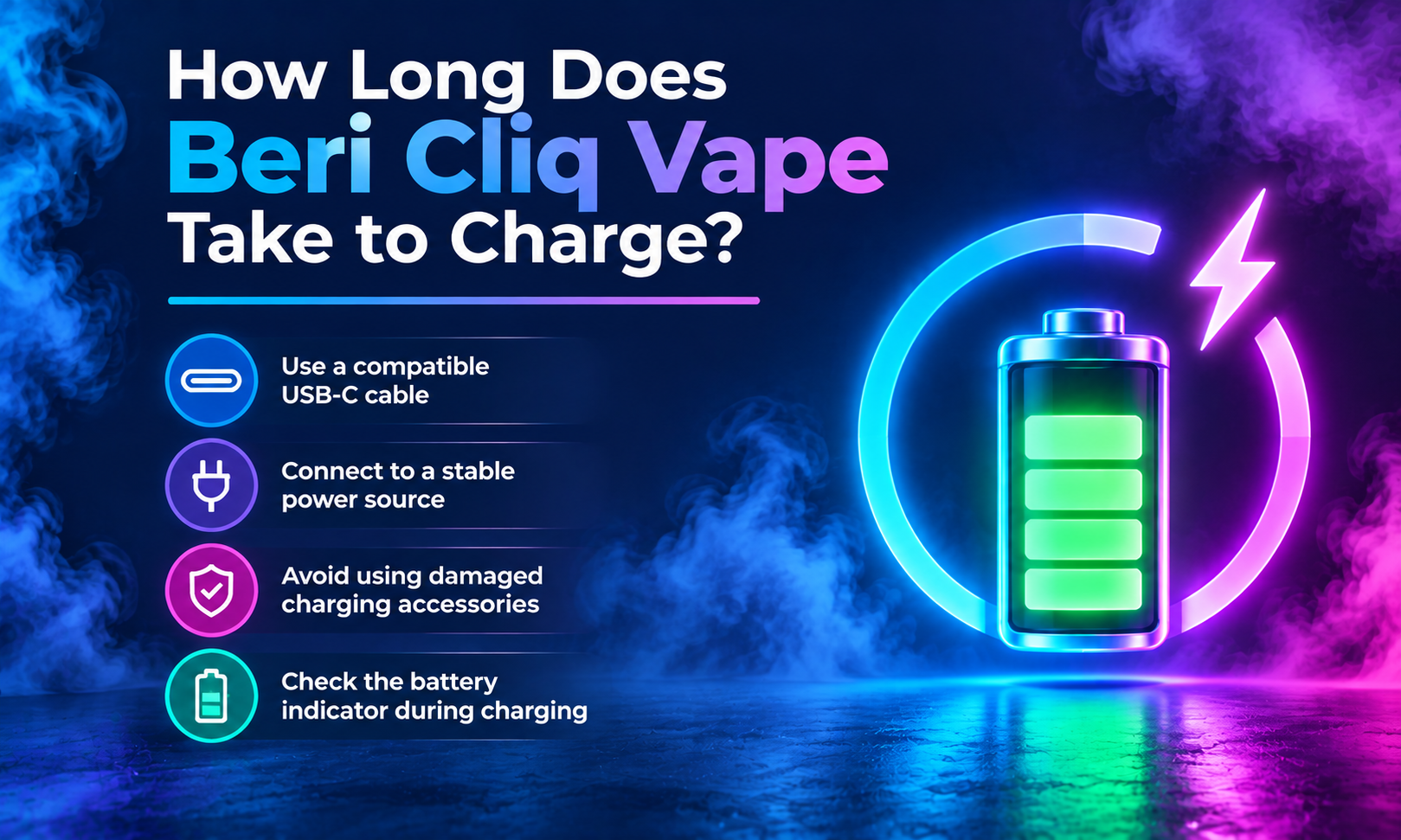
For proper charging:
- Use a compatible USB-C cable
- Connect the device to a stable power source
- Avoid using damaged charging accessories
- Check the battery indicator during charging
The device indicator is the best way to determine when charging has finished.
How Do You Know When Your Beri Cliq Vape Needs Charging?
Your Beri Cliq Vape may need charging when the battery power becomes low.
Common signs include:
- The battery indicator shows a low percentage
- The device does not activate properly
- The display does not respond
- The device requires frequent charging
If your device has enough e-liquid but is not working, checking the battery level is a good first troubleshooting step.
Common Beri Cliq Vape Charging Problems and Solutions
Sometimes, your Beri Cliq Vape may not charge properly. These simple checks can help you identify common charging issues.
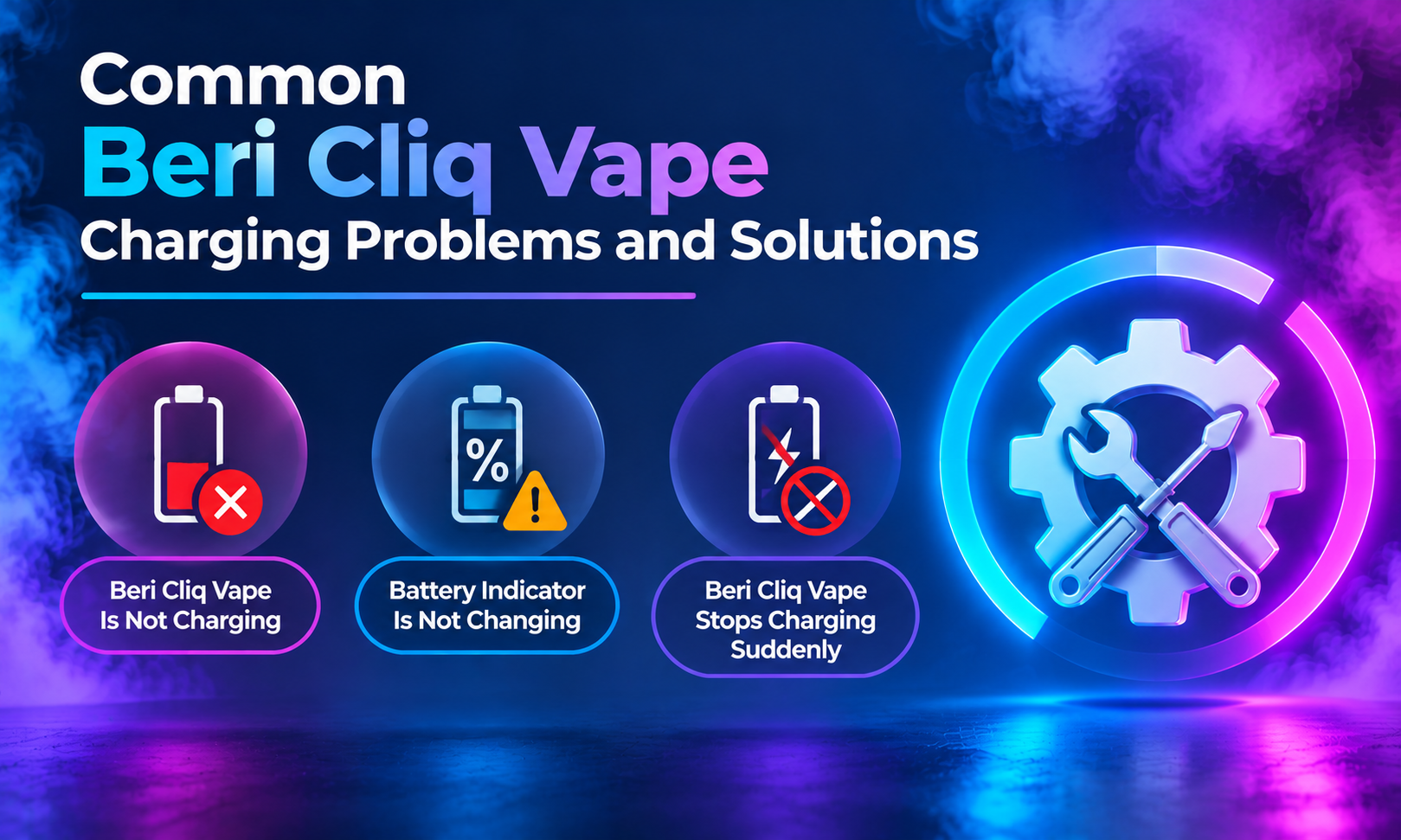
Beri Cliq Vape Is Not Charging
If your Beri Cliq Vape is not charging:
- Make sure the USB-C cable is connected properly
- Try another compatible charging cable
- Check that the power source is working
- Inspect the charging port for dust or debris
A loose connection, damaged cable, or blocked charging port can prevent proper charging.
Battery Indicator Is Not Changing
If the battery percentage does not increase:
- Check the cable connection
- Try a different power source
- Disconnect and reconnect the cable
- Test another compatible charging accessory
If the issue continues, inspect the device and charging components for possible problems.
Beri Cliq Vape Stops Charging Suddenly
If charging stops before completion:
- Make sure the cable remains connected properly
- Try another charging source
- Move the device to a normal room-temperature location
- Check the charging port for visible damage
These steps can help identify common charging interruptions.
Can You Overcharge a Beri Cliq Vape?
Beri Cliq Vape devices are designed with rechargeable battery systems for regular charging. However, it is recommended to disconnect your device once charging is complete and follow proper charging practices.
Using compatible accessories and avoiding damaged cables can help maintain your device.
Charging Mistakes to Avoid
Proper charging habits can help you maintain your Beri Cliq Vape.
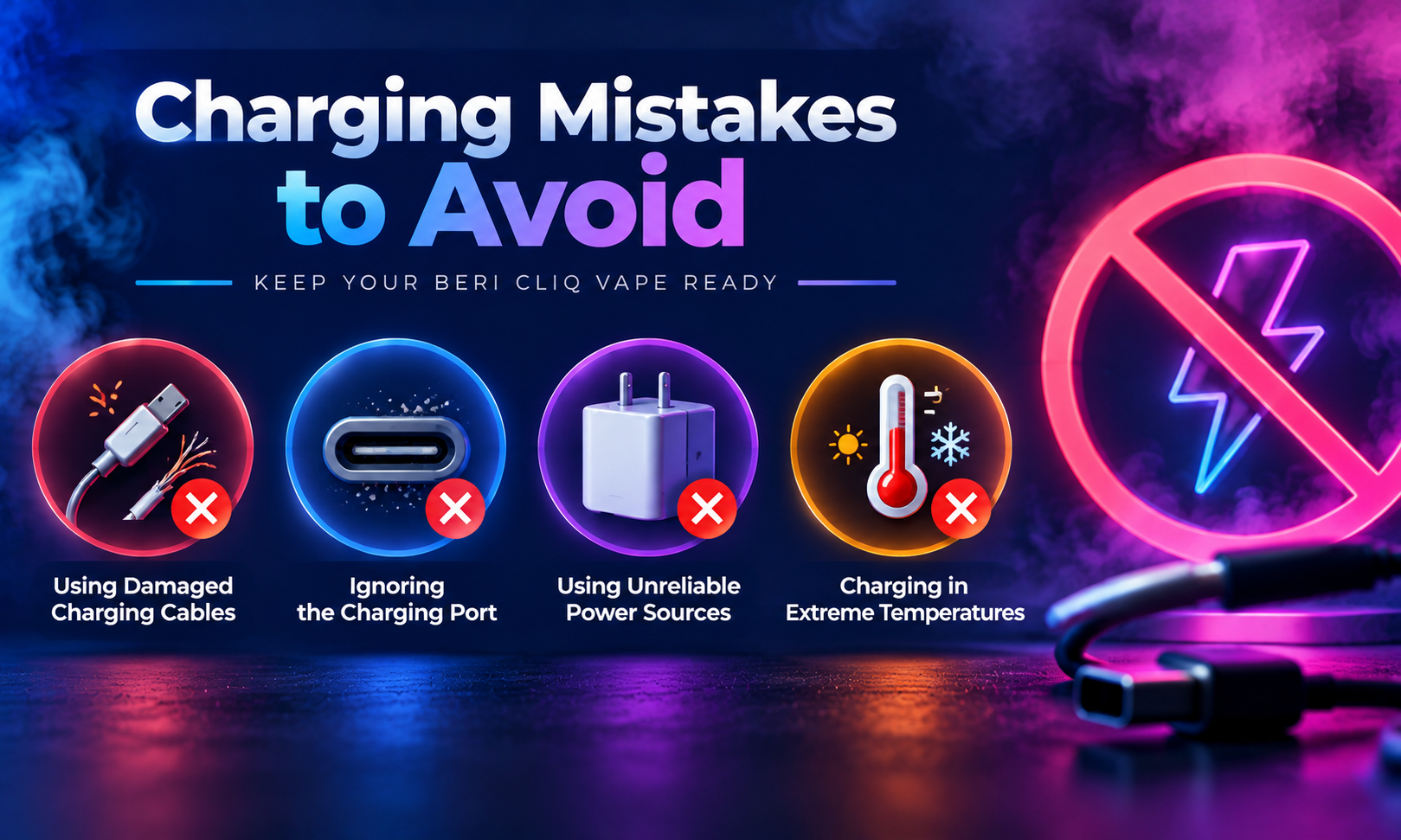
Using Damaged Charging Cables
Frayed or damaged cables may create connection problems. Always check your charging cable before use.
Ignoring the Charging Port
Dust and debris inside the charging port can affect the connection. Keep the port clean and check it regularly.
Using Unreliable Power Sources
Use trusted charging accessories and avoid damaged adapters or cables.
Charging in Extreme Temperatures
Avoid charging your device in very hot or cold environments because temperature conditions can affect battery operation.
Tips to Maintain Your Beri Cliq Battery
Following simple maintenance habits can help you keep your Beri Cliq Vape ready for use.
- Charge your device when the battery level is low
- Keep the USB-C charging port clean
- Store your device in a dry location
- Avoid dropping or damaging the device
- Use compatible charging accessories
- Disconnect the charger after charging is complete
Taking care of your device and charging accessories can help support consistent operation.
Frequently Asked Questions
Is the Beri Cliq Vape rechargeable?
Yes, Beri Cliq Vape devices are rechargeable and use a USB-C charging connection. You can recharge the battery when the power level becomes low.
What charger does Beri Cliq Vape use?
Beri Cliq Vape uses a USB-C charging cable. Use a compatible cable and reliable power source for charging.
How long does Beri Cliq Vape take to charge?
Charging time varies depending on the battery level, cable quality, and power source. The battery indicator helps you know when charging is complete.
Why is my Beri Cliq Vape not charging?
Your Beri Cliq Vape may not charge because of a loose cable connection, damaged charging cable, blocked charging port, or power source issue. Check the cable, port, and power source before trying again.
Can I use my Beri Cliq Vape while it is charging?
Follow the manufacturer’s instructions regarding charging and device usage. For proper charging, it is recommended to disconnect the device once charging is complete.
Final Thoughts
By using a compatible USB-C cable, checking the charging connection, and following proper charging habits, you can keep your Beri Cliq Vape ready when you need it.
If your device is not charging, start with simple checks like testing the cable, cleaning the charging port, and confirming the power source. These steps can help you identify common charging problems before considering other options. If your device is no longer performing as expected or you’re ready for a replacement, explore BeriCrush.com to find the latest Beri Cliq options, including the Beri Cliq 50K Vape Kit and Beri Cliq Vape Pods, giving you more options to refresh your setup and enhance your vaping journey.